


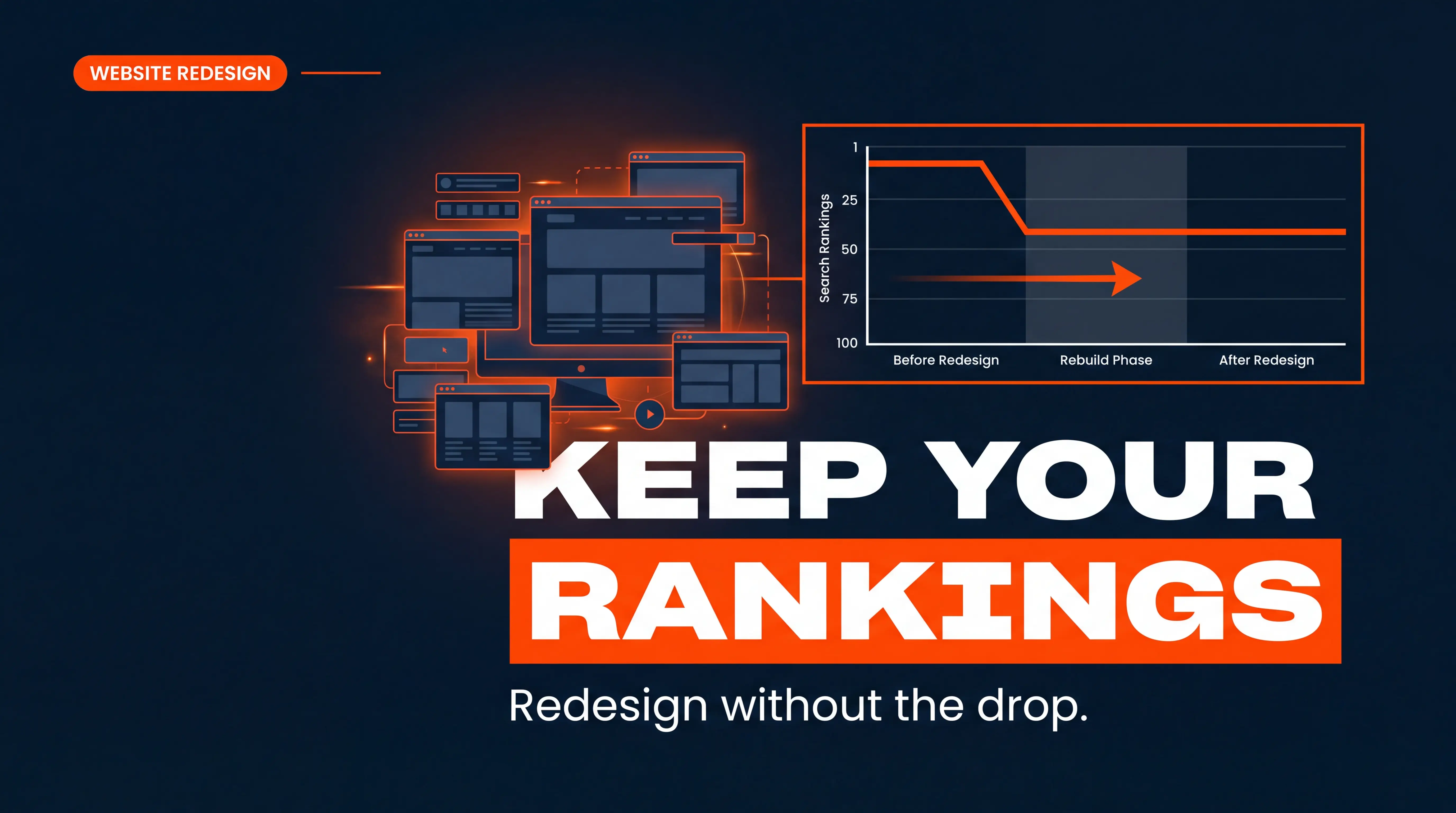
Here is the short answer: you keep your rankings by mapping every old URL to a new one with 301 redirects, protecting the staging site from Google, and matching your best content page for page before launch. Skip those steps and the damage is real. Businesses can lose 40 to 80 percent of their organic visibility within weeks of relaunching, and improper redirects alone cause well over 75 percent of that lost traffic. A clean redesign, on the other hand, usually sees only a 5 to 15 percent wobble in the first 30 days before recovering. So a redesign does not have to cost you rankings. A careless one will.
I have watched a beautiful new site quietly erase years of SEO work, and I have watched a well-planned rebuild come back stronger. The difference is never the design. It is the migration plan sitting underneath it. This is the exact playbook we run at Progeektech so a redesign strengthens the "Get Found" stage of your growth instead of gutting it.
Why Redesigns Tank Rankings in the First Place
A search engine does not see your website the way your designer does. Google sees URLs, links, and content. When a redesign changes those without a plan, Google treats your new pages as strangers and drops the old ones from its index. Rankings you spent two years earning can vanish in a weekend.
There are three usual suspects behind a post-launch traffic drop, and every one of them is preventable.
1. Missing or broken 301 redirects
This is the number one cause, full stop. When your URL structure changes and the old addresses are not redirected, every link, every bookmark, and every ranking pointing at the old page hits a dead end. Google sees a 404 error, removes the page, and the keyword authority evaporates. This is why a 301 redirect map is the backbone of any safe website redesign.
2. Content that got "cleaned up"
Redesigns love to trim. The problem is that shorter is not always better for search. If your new service page cuts the word count in half, deletes the headings that earned a featured snippet, or removes the FAQ section that was answering buyer questions, the page will slide down the rankings even with perfect redirects. Design decisions are SEO decisions.
3. Indexing rules that followed the site from staging
This one is sneaky. Many sites launch with a "noindex" tag or a blocking robots.txt rule left over from the staging environment. The site looks live to visitors, but it is invisible to Google. By the time anyone notices, rankings have cratered.
Pro tip: before you touch a single pixel, run a full crawl of your current site with a tool like Screaming Frog and export every URL, title tag, and meta description. That export becomes your safety net and the start of your redirect map. You cannot protect what you never wrote down.
The Pre-Launch SEO Checklist (Do This Before You Redesign)
Most rankings are won or lost before the new site ever goes live. Get the groundwork right and launch day becomes a formality instead of a gamble. Work this checklist in order.
Start with a full inventory. Crawl the existing site and record every live URL. Then pull Google Search Console and your analytics to flag your important pages, the ones driving clicks, keyword rankings, and leads. These are protected assets. You do not rewrite, rename, or delete them without a very good reason. Note which pages have backlinks pointing at them, because those inbound links are pure SEO value you cannot afford to break.
Next, decide on your URL strategy. The safest path is simple: keep your existing URL paths exactly as they are. If your current structure is clean and already ranking, identical URLs eliminate an entire category of migration risk. Change a URL only when you have to, and when you do, log the old URL and new URL side by side in a redirect spreadsheet.
Then preserve your on-page SEO element by element. Carry over your meta titles, meta descriptions, header structure, image alt text, and internal linking. A redesign is a visual project, but your on-page SEO is the wiring behind the walls. Rip it out and the lights go off. If you are moving platforms entirely, our step-by-step guide on how to migrate a website from WordPress to Webflow walks through the same preservation logic in detail.
Finally, benchmark everything. Record your current keyword rankings, organic traffic, top landing pages, and Core Web Vitals scores now, while the old site is still live. Without a benchmark, you will have no way to tell a normal fluctuation from a genuine problem after launch.
Redirects: The Single Most Important Step
If you remember one thing from this whole article, remember this: your 301 redirect map is what carries your rankings from the old site to the new one. Treat it as the most important deliverable of the entire project, because it is.
A 301 redirect is permanent, and it passes the vast majority of a page's ranking authority to its new destination. A 302 is temporary and does not reliably transfer that SEO value, so it has no place in a redesign. Map every old URL to the single most relevant new URL, one to one, in a spreadsheet with the old URL in one column and the new URL in the next.
Then avoid the three mistakes that quietly undo good redirect work:
First, do not mass-redirect everything to your homepage. Google reads a pile of unrelated redirects landing on the home page as soft 404 errors and ignores them, and visitors who expected a specific page bounce immediately, hurting user experience.
Second, kill redirect chains. If URL A points to B, and B points to C, you are leaking authority and slowing the page at every hop. Every redirect should be a clean, direct jump to the final destination.
Third, implement redirects at the server or platform level, not through a fragile plugin that can break on the next update. Platforms like Webflow handle 301 redirects natively in site settings, which is one reason we prefer them for a clean rebuild. Once your redirects are sorted, also update the internal linking inside your content so links point straight at the new URLs instead of bouncing through a redirect.
Protect the Staging Site, Then Launch Clean
While you build the new site, it lives on a staging environment. That staging site is a genuine SEO hazard if Google finds it, because a fully crawlable copy of your website creates duplicate content and can even outrank the real thing. Lock it down with a layered defense.
Password-protect the staging site first, before anything else. HTTP authentication is the only method that reliably keeps the search engine out, because a "noindex" tag or a robots.txt rule can still fail if enough links point at the staging URL. Layer the noindex meta tag and a robots.txt disallow on top for good measure, and test every rule against real URLs in Google Search Console before you rely on it.
Launch day is where the two most catastrophic mistakes happen, so run this sequence deliberately. Remove the noindex tags and open up robots.txt so the new site can finally be crawled and indexed. This is the step teams forget, and it is the one that makes a perfect new website vanish from search. Push your 301 redirects live. Submit the new XML sitemap to Google Search Console, and keep the old sitemap active for a few weeks so crawlers discover your redirects faster.
Then crawl the live site immediately and confirm every redirect resolves, every important page returns a 200 status, and nothing is accidentally blocked. Check that your navigation is crawlable and not dependent on JavaScript. Our pre-launch technical SEO system lays out the full launch-day sequence if you want a checklist to work from.
The First 30 Days: Monitor, Diagnose, Recover
Launching is not the finish line. The first month is when you catch problems while they are still cheap to fix. Expect some movement. A 5 to 15 percent shift in rankings and organic traffic in the first few weeks is normal as Google recrawls and re-indexes your new site. Anything beyond that range is a signal, not noise.
Watch Google Search Console like a hawk. Check the Coverage and Pages reports for a spike in 404 errors, which points to a redirect you missed, and for any "excluded by noindex" warnings on pages that should be live. Compare your current keyword rankings and organic traffic against the benchmark you recorded before launch so you know exactly which pages moved and by how much.
If a specific page dropped, the diagnosis is usually quick. A 404 error means a missing redirect: add it. A page that is live but deindexed means a lingering noindex rule: remove it. A page that redirects correctly but still slipped usually means the content got trimmed too aggressively: restore the depth, the headings, and the keyword-relevant sections that were earning the ranking. Recovery from a clean fix often takes a few weeks; a messier situation can take a couple of months, which is exactly why the pre-launch SEO audit pays for itself. If you want realistic expectations on timing, our breakdown of how long SEO takes for a small business sets the right mental model.
Turn a Redesign Into a Ranking Upgrade
Here is the part most people miss. Done right, a redesign is not just SEO defense, it is offense. A faster, cleaner new website can actually lift your rankings, because page speed and Core Web Vitals are ranking factors and modern builds load faster than the bloated sites they replace. Better site speed and a smoother user experience keep visitors around longer, which feeds the "Get Found" stage of our Convert Smart Growth System: you protect the authority you already earned, then compound it with a better technical foundation.
It also feeds the next stage, "Land Client." A rebuild is your chance to fix the conversion leaks the old site tolerated, tighten your calls to action, and speed up the path from visit to booked call. If you are curious how much of that lift comes from speed alone, the data in our piece on speed to lead and conversion rates is eye-opening. Just make sure conversion changes never come at the cost of the content depth your rankings depend on. The goal is a site that ranks better and converts better, not one that trades one for the other. For a wider technical checklist, optimizing a Webflow site for Google and our Webflow SEO beginner's guide are both worth a read before you scope the project.
One more honest note: not every site needs a full teardown. If you are still deciding, our guide on when a website redesign is actually necessary can save you a lot of money, and the mistakes CEOs make before a Webflow rebuild is a useful gut check. SaaS teams carrying technical debt should also skim the hidden SaaS SEO mistakes a rebuild can fix.
Frequently Asked Questions
Will I lose my SEO rankings if I redesign my website?
Not if the migration is planned properly. Rankings drop when URLs change without 301 redirects, when content is trimmed too aggressively, or when a noindex rule follows the site from staging to live. Handle those three things and most sites keep their rankings, and a faster new build often improves them.
How long does it take to recover rankings after a website redesign?
A minor 5 to 15 percent fluctuation in the first 30 days is normal and usually self-corrects as Google recrawls the site. If a real issue like a missing redirect is caught and fixed quickly, recovery typically takes a few weeks. A larger problem left unaddressed can take two to three months to fully recover.
Do I need to keep my old URLs the same during a redesign?
Keeping identical URL paths is the safest option because it removes an entire category of migration risk. If your current structure is clean and ranking well, do not change it. When a URL genuinely has to change, map the old URL to the new URL with a 301 redirect so the ranking authority transfers.
What is the most common mistake that kills SEO during a redesign?
Two mistakes tie for first: failing to set up 301 redirects for changed URLs, and launching with the staging site's noindex tag or blocking robots.txt still in place. Both make pages disappear from Google's index. A pre-launch crawl and a launch-day verification crawl catch both.
Ready to Redesign Without Losing Ground?
A website redesign should move your business forward, not set your search visibility back to zero. With a full URL inventory, a one-to-one 301 redirect map, a locked-down staging site, and a disciplined first 30 days of monitoring, you can relaunch with confidence and often come out ranking higher than before. If you would rather hand the whole migration to a team that does this every week, we would love to help. Book a Free Growth Call and we will map out a redesign plan that protects every ranking you have earned.