


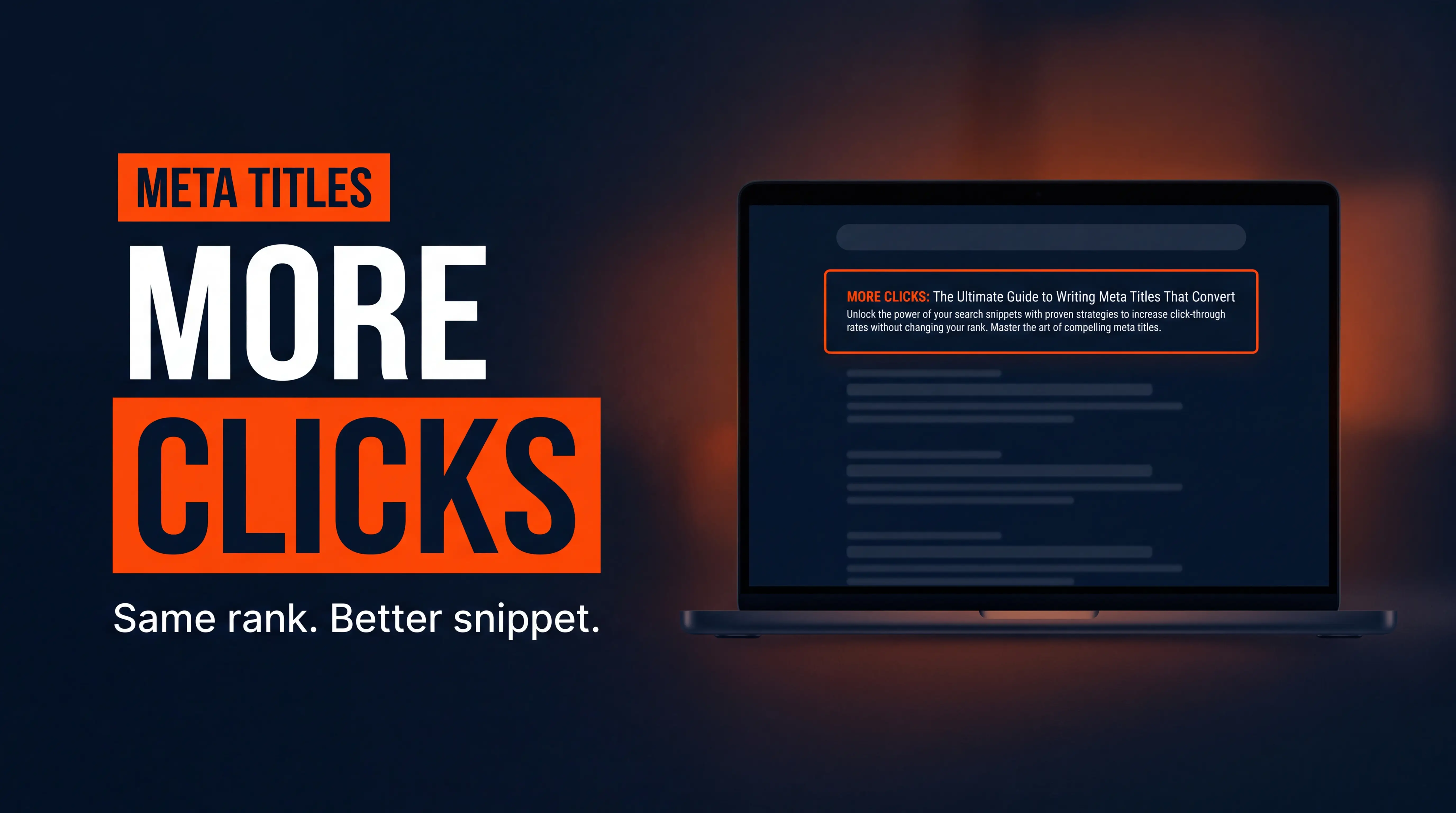
The short answer: write a title of roughly 50 to 60 characters that leads with the searcher's exact question, then a meta description of about 120 to 155 characters that promises one specific payoff and ends with a reason to click. Length matters more than most owners think. In Zyppy's study of 80,959 title tags, Google rewrote 61.6% of them, and titles over 70 characters were rewritten 99.9% of the time. Write them tight and Google usually leaves them alone.
Most snippet problems we see on accounting and service-business sites aren't ranking problems. They're click problems. Same position, same impressions, a snippet nobody wanted to tap.
In the Convert Smart Growth System, this is a Get Found job: it's the handshake between your page and a stranger scanning ten blue links. Here's how to make that handshake count.
What Do Meta Titles and Descriptions Actually Do?
A meta title (the title tag) is the blue headline in a search result. A meta description is the grey snippet under it. Together they decide whether a searcher clicks you or your competitor.
Here's the part people get wrong. The description isn't a ranking lever. Ahrefs, in its guide updated May 2026, states that the meta description is not a ranking factor. The title tag does carry relevance weight, but its bigger job is persuasion.
So you're writing ad copy that happens to live in your HTML. Better clicks on the same ranking means more traffic without publishing a single new page. For a small firm, that's the cheapest win in SEO.
There's a catch: Google doesn't always show what you wrote. Ahrefs' own research found Google displays the written meta description only about 37% of the time, and often swaps in a sentence pulled from the page that matches the query. That's not a reason to skip it. It's a reason to write descriptions that already match how people search, so the swap is rarely needed.
How Long Should a Meta Title and Description Be in 2026?
Google truncates by pixel width, not character count, so treat the numbers below as safe targets rather than hard limits.
- Title: aim for 50 to 60 characters (about 600 pixels on desktop). Zyppy found titles of 51 to 60 characters had the lowest rewrite rate, 39% to 42%.
- Description: up to about 920 pixels on desktop (roughly 160 characters) and 680 pixels on mobile (roughly 120 characters), per Ahrefs.
- Safe zone: put the payoff in the first 120 characters of the description so mobile readers still see it.
- Front-load the keyword: the first words of a title get read first, and they never get cut off.
One honest caveat: the Zyppy rewrite data comes from early 2022, and Google's behavior shifts. Use it as a directional guide, then check your own pages in Google Search Console. Your data beats any study.
How Do I Write a Meta Title That Gets Clicked?
Start with the question your ideal client types, because that's the phrase their eyes hunt for. A bookkeeper in Phoenix searching "how much should a bookkeeper charge" scans for those exact words first. Then add one reason to pick you.
Five title formulas that work for service businesses
These are the patterns I reach for most often. Use whichever one fits the page's intent.
- The direct answer: "How Much Does a Bookkeeper Cost? (2026 Rates)"
- The number: "7 Reasons Your Tax Firm Website Gets No Leads"
- The year stamp: "Local SEO for Accountants: What Works in 2026"
- The contrast: "Referrals vs. SEO: Which Fills Your Calendar Faster?"
- The specific promise: "Get 10 Client Reviews in 30 Days (Simple Script)"
Notice the numbers. Zyppy found that when both the title and the H1 contained a number, Google kept it in the title 97.3% of the time. If only the title had one, Google dropped it 25.8% of the time. So match your H1 to your title and your number sticks.
Mind the punctuation too. In the same study, titles with square brackets were rewritten 77.6% of the time versus 61.9% for parentheses. If you want a year or a label in there, use parentheses.
Pro tip: Open Search Console, filter to queries ranking positions 3 to 10 with at least 100 impressions, and sort by lowest click-through rate. Those pages are already ranking and just need a better title.
How Do I Write a Meta Description That Earns the Click?
Think of the description as one tiny sales pitch. It has about 150 characters to do three things: confirm the page answers the question, name a specific payoff, and give a reason to act now.
Here's the structure I use. Sentence one answers or confirms. Sentence two adds proof, a number, or a next step.
Weak: "We are a full-service accounting firm offering a wide range of tax and bookkeeping services for businesses of all sizes."
Strong: "Bookkeeper pricing varies widely by scope. See what drives the monthly rate and how to quote without undercutting yourself."
The second one speaks to a real question, sets expectations, and promises a method. The first could describe ten thousand firms. Specific beats polished every time. If you want a deeper look at why generic copy kills conversions, our post on why accounting firm websites don't get leads breaks down the same pattern on the page itself.
Words and moves that lift clicks
You don't need hype. You need clarity and a reason. These moves hold up across industries:
- Use the searcher's own words, including the exact question phrase.
- Include a concrete number, price range, timeframe, or year.
- Use an active verb: "See," "Compare," "Get," "Learn."
- Say who it's for: "for CPAs," "for small businesses."
- Skip all-caps, stacked exclamation marks, and fake urgency. Searchers smell it.
How Do I Optimize Titles and Descriptions for AI Search Too?
Answer engines like ChatGPT, Perplexity, and Google's AI Overviews pull from pages that state clear, self-contained answers. Your title and description are often the first signal a model reads about what the page covers.
So write them as plain statements of fact. A title that names the topic and the audience, and a description that gives the answer in one line, is easy for a machine to quote and easy for a human to trust. We cover the broader playbook in our guide to generative engine optimization for CPAs, and the structure is the same: clear question, direct answer, proof.
Pair that with solid on-page basics. If your page loads slowly, even a great snippet loses the visitor, which is why we also look at how fast your website should load before blaming the copy.
How Do I Roll This Out Across a Whole Site Without Burning a Month?
You don't need to rewrite everything. Work in priority order and you'll capture most of the gain in an afternoon. Here is the workflow I use with clients:
- Export your pages from Search Console with impressions, clicks, CTR, and average position.
- Filter to pages ranking in positions 3 to 10 with solid impressions and a CTR below your site average.
- Rewrite the title first using one of the five formulas, keeping it near 55 characters.
- Rewrite the description as a two-sentence pitch with one number or specific payoff.
- Match the H1 to the title so Google keeps your wording.
- Wait 3 to 4 weeks, then compare CTR for the same pages and keep what worked.
If you build on Webflow, each page has its own SEO settings panel, so this takes minutes per page. Our Webflow technical SEO checklist for accountants shows where those fields live and how to template them for collection pages.
Mistakes that quietly sink your snippets
Watch for these. They're common, and fixing them is free.
- Duplicate titles across pages, which forces Google to rewrite and confuses which page should rank.
- Keyword stuffing such as "CPA | Accountant | Tax Preparer | Bookkeeper Near Me."
- Brand-first titles that waste the best 20 characters on your firm name.
- Empty descriptions that leave Google to grab a random sentence.
- Titles that over-promise and trigger quick bounces, which hurts the trust you're trying to build.
Remember how long results take, too. Title tests need a few weeks of data, and rankings drift in the meantime. Our breakdown of SEO ranking timelines for small business sets realistic expectations so you don't judge a test after four days.
How Does This Fit the Convert Smart Growth System?
Snippet work sits at the front of the funnel, but it only pays off if the rest holds up. Get Found: a sharper title and description turn impressions into visits. Land Client: the page behind the click has to deliver on the promise and make booking easy. Retain & Grow: consistent, honest messaging is what keeps referrals and reviews coming.
That's why we pair snippet rewrites with page-level fixes. A better click is wasted if the landing page leaks. If that's your situation, see what a tax firm homepage should include to convert, and the numbers in our post on realistic website conversion rates for accounting firms. And if you're still deciding where to publish next, how many blog posts a small business needs to rank is a good companion read.
Frequently Asked Questions
Do meta descriptions affect Google rankings?
No, not directly. Google has long said the meta description isn't a ranking factor, and Ahrefs repeats that in its 2026 guide. They still matter because a better snippet earns more clicks, and stronger engagement on a page you already rank for is a clear business win.
Why does Google show a different title or description than the one I wrote?
Google rewrites snippets when it thinks another version fits the query better. Titles that are too long, too short, stuffed with repeated keywords, or full of brackets get rewritten most often. Descriptions are swapped even more, since Ahrefs found Google shows the written one only about 37% of the time. Keep them concise and query-matched to cut down on rewrites.
How many characters should a meta title be?
Target 50 to 60 characters, which fits about 600 pixels on desktop. Zyppy's 80,959-title study found that range had the lowest rewrite rate. Mobile can show a bit more, but front-load the important words so nothing critical gets cut.
Should I include my brand name in the title tag?
Usually yes, but at the end, and only if there's room. Put the keyword and the benefit first. For a local firm, a short brand suffix builds recognition. For a long title, drop the brand before you drop the keyword.
Ready to Turn Your Rankings Into Real Clicks?
Better snippets are one of the fastest wins in SEO, but they work best as part of a full system. If you'd like a second set of eyes on your titles, your Search Console data, and the pages behind the clicks, Book a Free Growth Call and we'll map out your quickest wins together.
Related Posts Worth Reading
1. SEO for Small Business: Realistic Ranking Timelines
2. Generative Engine Optimization 2026 for CPAs