


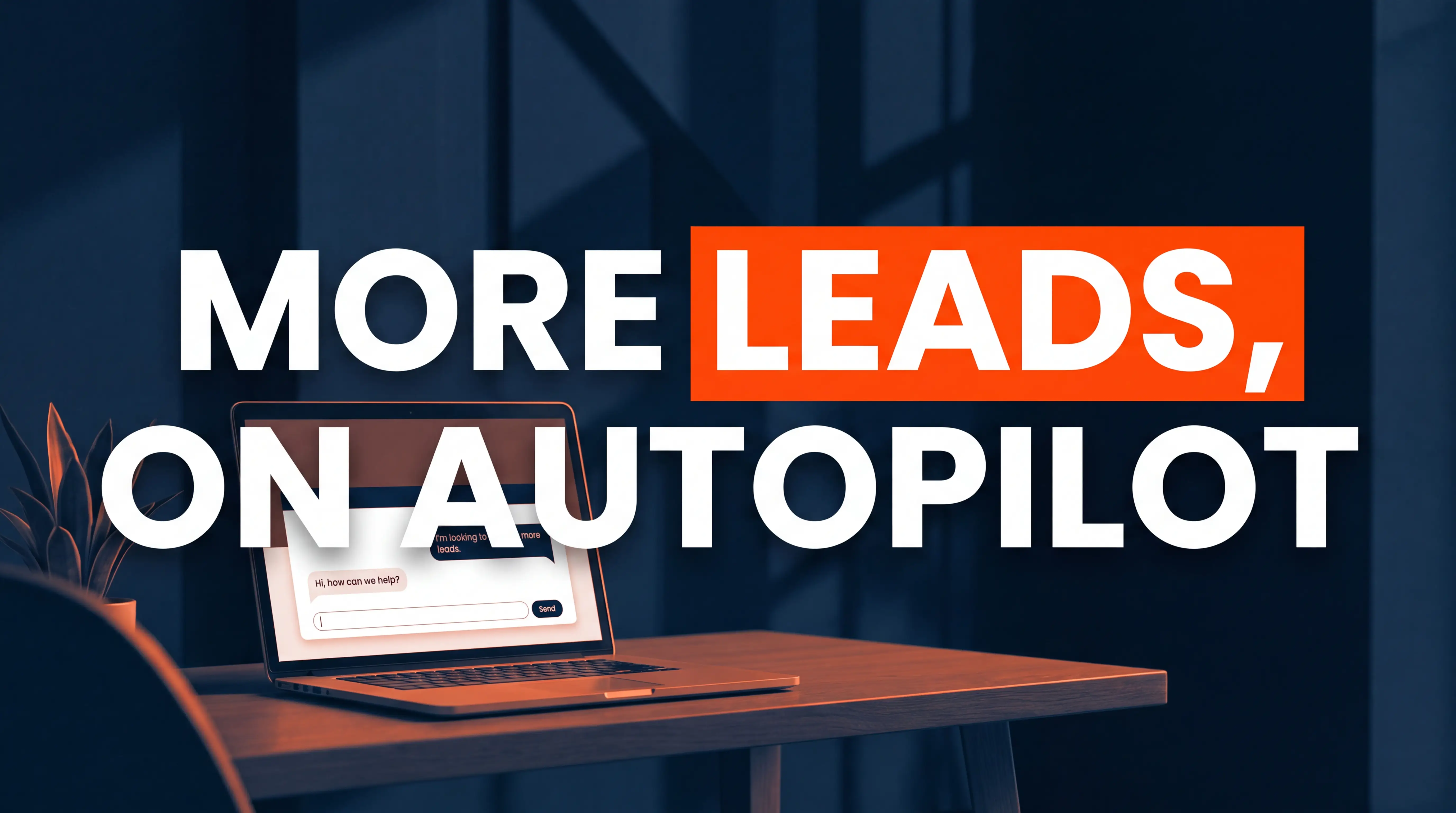
Yes, adding a chatbot to a service website usually does increase leads, but only when it is set up to route and qualify people instead of just answering questions. The numbers back it up: chatbot-led funnels convert about 2.4 times higher than static web forms, and proactive chat can lift website conversions by up to 38%. Most service businesses see 20% to 35% more leads once a chatbot is running correctly. The catch is that a poorly built bot can do the opposite, so setup matters more than the tool.
I have installed chat on dozens of accounting, bookkeeping, and local service websites, and the pattern is always the same. A chatbot is not magic, it is a speed-to-lead machine and one of the most reliable lead generation upgrades a service business can make. When someone lands on your site at 9pm with a real question, a good bot catches that potential customer before they close the tab and go find your competitor. That is the whole game. Let me show you when a chatbot helps, when it hurts, and how to set one up so it actually books calls.
Why Chatbots Increase Leads (The Real Reason)
The reason a chatbot works has almost nothing to do with the technology and everything to do with timing. Speed to lead is the single biggest lever in service-business marketing, and most firms are terrible at it.
A study of 939 companies found that businesses answering an inbound lead in under five minutes posted a 32% close rate on qualified leads. That same sub-five-minute response gives you a 21x qualification advantage over waiting until the 30-minute mark. Respond inside one minute and conversion can jump by as much as 391%. Yet the median B2B team takes 42 hours to respond, and only about 7% ever answer within five minutes.
Read that again. Most of your competitors are losing high-intent leads simply because nobody replied fast enough. A chatbot closes that gap automatically. It never takes a lunch break, never leaves early on a Friday, and never lets a 9pm website visitor slip away. That 24/7 availability is where the extra leads come from. The bot is not persuading people who were never going to buy. It generates leads by catching the ones you were already losing to slow response and after-hours silence, engaging each visitor in real time while their intent is still hot.
This maps directly onto the middle stage of our Convert Smart Growth System: Get Found, Land Client, Retain and Grow. You can win the SEO battle and drive plenty of traffic, but if visitors reach a dead page with only a contact form that emails someone who checks it twice a day, you never Land the Client. A chatbot lives right in that Land Client gap, and it works best alongside the other ways to optimize your website for conversions.
Chatbot vs Contact Form vs Live Chat: What Actually Converts
Every service website already has some way to capture leads. The question is which method turns the most visitors into booked calls, and which delivers the best conversion rate. Here is how the three stack up in 2026.
Contact forms are the default, and they are the weakest. Static forms convert somewhere between 2% and 5% of the people who see them. They ask for effort up front, they feel like homework, and they give the visitor zero reassurance that a human will ever reply. They still have a place for detailed intake, and there are proven ways to make contact forms convert better, but as a first touch they leak leads.
Live chat staffed by a real person converts three to five times higher than a form. The problem is coverage. Live chat has a dirty secret: roughly 21% of chat conversations go unanswered during business hours because your team is busy, on calls, or with clients. When the instant-answer promise breaks, it backfires and the visitor trusts you less than if you had no chat at all.
AI chatbots split the difference and win on availability. A well-built, AI-powered chatbot can match live-chat conversion rates around the clock without adding a single hour of staff time. Well-implemented conversational AI can convert website visitors in the 15% to 25% range compared with 2% to 3% for forms, which is where that 2.4x lift shows up in real terms. Modern AI chatbots also drive customer engagement by answering in real time, so more people stay in the sales funnel instead of bouncing.
The honest takeaway is that you do not have to pick one. The highest-converting service sites in 2026 run a hybrid: the chatbot handles frequently asked questions and lead qualification day and night, then hands the hot leads to a human (or a booking calendar) at the right moment. A form still catches the people who prefer to type it all out.
Pro tip: Do not delete your contact form when you add a chatbot. Some buyers, especially older or more private clients, want a quiet form and a promised callback, not a live conversation. Offer both and let the visitor choose their comfort level.
When a Chatbot Actually Hurts Your Leads
I want to be straight with you, because most articles on this topic pretend a chatbot only ever helps. It does not. A bad bot is worse than no bot, and I have seen firms lose leads and damage the customer experience after installing one.
The failure modes are predictable:
- The pop-up that ambushes everyone. A bot that fires the second the page loads, before the visitor has read a word, gets closed on reflex and trains people to ignore it.
- The dead-end bot. It answers two or three questions, then hits "Sorry, I did not understand that" with no path to a human. The visitor leaves more annoyed than if you had no chat at all.
- The interrogator. It demands a name, email, and phone number before it has been useful, so it feels like a toll booth instead of a helper.
- The robotic script. Slow, generic canned replies that never actually answer the question make your firm look careless with detail, which is poison for an accountant.
- The no-handoff bot. A hot, ready-to-buy lead asks to speak with someone and the bot has no way to reach a live person or a calendar, so the sale quietly dies.
None of these problems come from the idea of a chatbot. They come from lazy setup. Which brings us to the part that actually matters.
How to Set Up a Chatbot That Books Calls, Not Just Answers Questions
A chatbot earns its keep when it does three jobs: greet at the right moment, qualify buyer intent, and hand off cleanly. Here is the lead capture setup I use for service firms.
1. Trigger it with intent, not on page load
Do not blast every visitor with a pop-up the second they arrive. Use proactive triggers tied to behavior. Fire the chat when someone lands on your pricing or services page, scrolls halfway down a case study, or lingers for 30 seconds. Intent-based triggers feel helpful. Blanket pop-ups feel like a car salesman following you around the lot.
2. Qualify with two or three sharp questions
The bot should ask what a good receptionist would ask: What do you need help with? Are you a new or existing client? What is your timeline? These questions qualify leads, sorting tire-kickers from ready buyers and giving your sales team context before the first human touch. Lead qualification through chat can cut qualification time by about 61%, so your team spends its hours on the potential customers who are actually ready.
3. Capture the lead at the moment of intent
Ask for contact details only after the bot has been genuinely useful and the visitor understands why you need them. Tie the ask to intent, like a pricing question or a "can you help with my situation" inquiry. A name and an email offered in the middle of a helpful conversation converts far better than a cold form field, and it lowers your effective cost per lead.
4. Hand off to a human or a calendar, fast
The best outcome is a booked call. Connect the bot to your scheduling tool so a qualified visitor can grab a slot on the spot. If a human is available, route the conversation live and pass the full transcript so nobody has to repeat themselves. Context transfer is not optional anymore.
5. Connect it to your CRM
Every conversation should drop into your CRM automatically as a new lead with the chat transcript attached. This is where the chatbot stops being a widget and becomes part of your growth engine and your wider sales funnel. It also feeds the Retain and Grow stage later by nurturing leads over time, because you now have a record of what every prospect first asked about. This is the same principle behind using automation to win more clients with less work.
The Compliance Part Nobody Warns You About
If you run an accounting, tax, or bookkeeping firm, you handle sensitive financial data, so the chatbot rules are stricter for you than for a pizza shop. This is worth two minutes of attention.
By August 2026, chatbots need to meet both GDPR requirements and the transparency rules of the AI Act. In plain terms that means four things. Show a clear privacy notice before you collect any data. Get explicit consent before using chat data for marketing. Treat every chat transcript as protected customer data with a set retention period and limited team access. And avoid feeding sensitive client information into external AI providers without proper controls. If you handle financial records, choose a chatbot platform that supports SOC 2 or equivalent compliance.
This is not a reason to skip a chatbot. It is a reason to choose a reputable one and configure it properly. A trust-based firm that visibly respects privacy actually converts better and earns higher customer satisfaction, because the whole relationship you are selling is built on discretion.
So, Should You Add One?
For most service businesses the answer is a confident yes, with conditions. Add a chatbot if you are getting real website traffic, losing leads to slow or after-hours response, and willing to spend a few hours setting up smart triggers, sharp qualifying questions, and a clean human handoff. Skip it, or start with staffed live chat instead, if your traffic is tiny (a few hundred visits a month), your sales are highly relationship-driven, or you cannot commit to maintaining it.
The tool is not the strategy. A chatbot bolted onto a weak website just helps people leave faster. But a chatbot layered onto a site that already ranks, loads fast, and is designed to convert and speaks to buyer intent can be the difference between traffic and clients. It pairs especially well with a homepage built to turn visitors into booked calls. That is exactly the kind of full-funnel work we build at Progeektech: getting you found, landing the client, and keeping them. If you want a second set of eyes on where your site is leaking leads, book a free growth call and we will map it out together.
Frequently Asked Questions
Do chatbots really increase leads or just deflect support questions?
They do both, and the split depends on setup. A bot built only to answer FAQs will deflect support tickets but generate few leads. A lead generation chatbot built to qualify intent and route to a booking calendar generates leads. Watch your chat-to-qualified-lead rate: if it is under 10%, your bot is answering questions instead of capturing buyers.
Will a chatbot make my accounting firm look impersonal?
Only if you let it. Give the bot a warm, on-brand tone, keep it honest that it is an assistant, and make the handoff to a real person quick and obvious. Done right, a chatbot lifts customer satisfaction and feels like a helpful front-desk greeter, not a robot wall. The impersonal feeling comes from dead-end bots with no path to a human.
How fast do I actually need to respond to leads?
Under five minutes is the benchmark that separates winners from everyone else, and under one minute is even better. Since the median team takes 42 hours and only 7% hit five minutes, a chatbot that responds in real time puts you in a tiny group of firms that actually catch leads while they are still interested.
Is a chatbot better than a contact form?
For a first touch, usually yes. Contact forms convert at 2% to 5%, while conversational chat can convert several times higher and lift your conversion rate because it answers questions in real time and lowers the effort to reach out. The best move is to run both so visitors can choose. Keep the form for people who prefer to type it all out.