


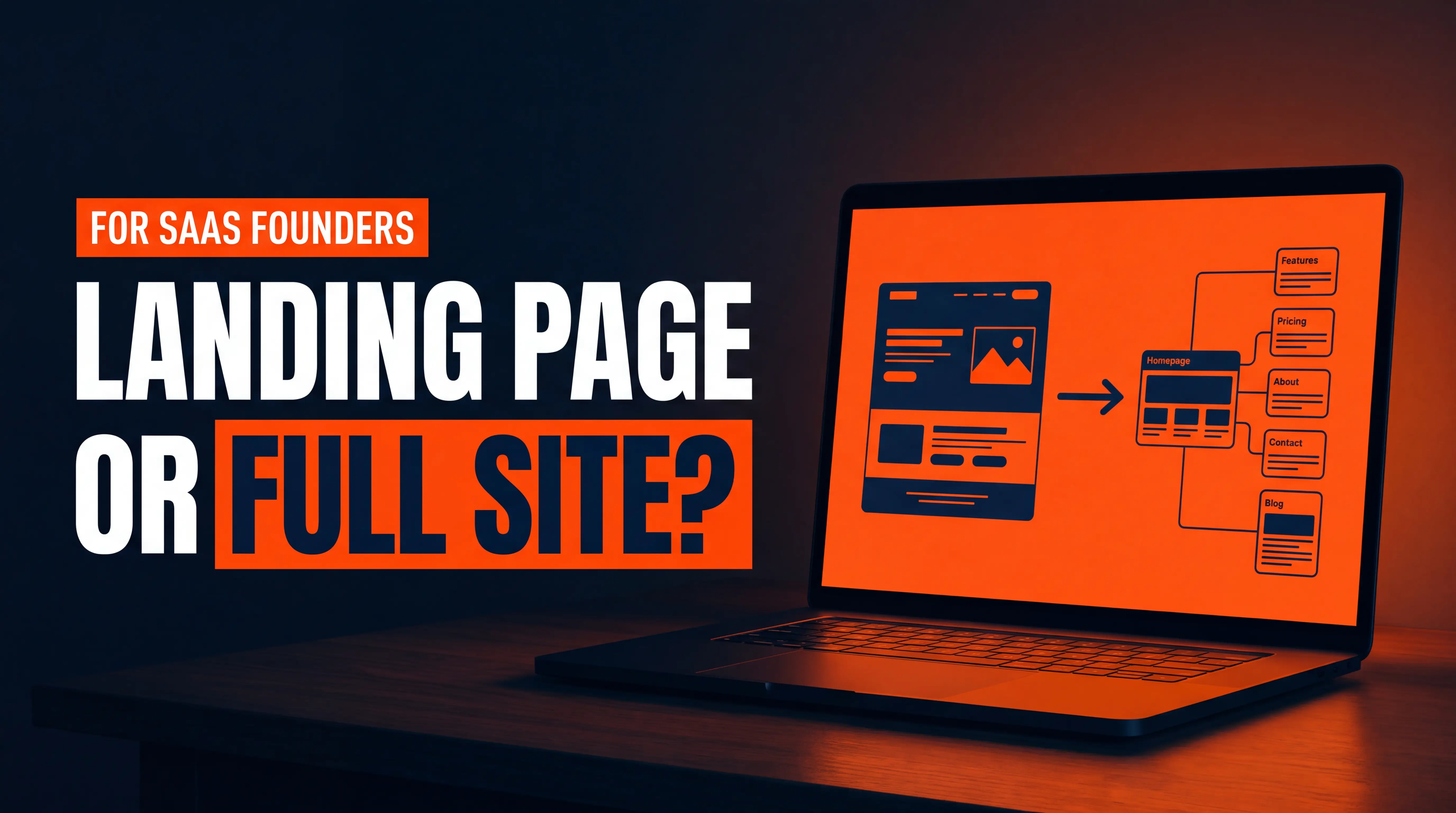
Should a SaaS startup launch with a landing page or a full marketing site? Start with a focused landing page if you're still validating demand, and build the full site the moment you need to rank, sell to more than one audience, or look credible to buyers who research you. Self-serve free-trial pages commonly convert around 7% to 10%, while product pages often sit closer to 2% to 4% (ClickMinded, July 2026). That gap tells you what a launch page is for: one job, one action. Here's how to decide, what each option really costs you, and the exact trigger points for upgrading.
What Is the Real Difference Between a Landing Page and a Full Marketing Site?
A landing page is one URL built to get one action, like a trial signup, a waitlist join, or a demo request. A full marketing site is a connected set of pages (home, product, pricing, use cases, blog, security, about) built to be found, trusted, and navigated by several kinds of visitors.
The difference isn't size. It's purpose. A landing page assumes the visitor already arrived with intent, usually from an ad, an email, or a founder's post. A marketing site assumes the visitor arrived cold, often from Google or an AI assistant, and needs to be oriented first.
I've watched founders argue this for weeks as if it were a design question. It isn't. It's a distribution question: where will your first thousand visitors come from, and what do they need to see?
When Is a Landing Page Enough for a SaaS Launch?
A single landing page is enough when your traffic is pushed to you rather than pulled by search, and when you only need to answer one question: do enough of the right people want this? In practice, that means a landing page works when all of these are true:
- You're pre-product or pre-pricing. You can't publish a pricing page, a security page, or real use cases for something that doesn't exist yet.
- Your traffic is directed. Founder outreach, a newsletter, a Product Hunt launch, a small paid test, or a community post sends people straight to the page.
- You sell to one buyer. One persona, one pain, one promise. No need to route different visitors to different pages.
- You're testing demand, not building an asset. The goal is signal in 30 to 60 days, not rankings in 12 months.
There's also a real conversion argument. Pages with a single link have been reported to convert at 13.5%, compared with 10.5% for pages with five or more links (a VWO finding cited by ClickMinded). Removing the exits helps when the visitor is already motivated. A tight page also forces you to write one clear value proposition, which is the hardest and most valuable thing to get right early. If you want help on that front, our guide to designing a landing page that attracts paying customers covers the layout.
Pro tip: Even a one-page launch should ship with real basics: a unique title tag, a meta description, a clean URL, an XML sitemap, and analytics events on your signup button. Ahrefs notes a single-page site can be a good placeholder because Google can crawl and index it before launch day. Do it now, because the page will be your index record when the full site arrives.
When Do You Need a Full Marketing Site Instead?
You need a full site when you're asking people to find you, compare you, or trust you with a budget. Four triggers make the call for you:
- You want organic traffic. One page can only target a small group of keywords, which Ahrefs calls one of the biggest issues with single-page sites. Ranking for a category, a use case, and a competitor comparison takes separate pages.
- You sell to more than one audience. A CFO, a head of ops, and a developer need different proof. Cramming them onto one page waters down all three.
- Buyers will research you before booking. B2B buyers check pricing, security, integrations, and customer proof before they ever talk to sales. If those pages don't exist, you lose the deal silently.
- You've got a sales motion. Demo-led SaaS needs pages that qualify and warm up leads. Demo-request pages commonly convert at roughly 1.5% to 4% (SaaS Hero), so the pages around them do much of the persuading.
Ahrefs' author puts it plainly: in most cases, he'd choose a multi-page setup because it naturally earns more backlinks and gives you more keywords to target. I agree with the direction, with one caveat. A bigger site isn't automatically better. Ten thin pages will convert worse than one sharp one, so build pages only when each has a distinct job.
What Does Each Option Cost You in Conversion and SEO?
Both options have a cost. They're just different costs, paid at different times.
The cost of a landing page only
You trade long-term visibility for speed. With one URL, you've got one set of keywords and little to earn links to. Other sites won't link to a waitlist page the way they'd link to a useful comparison or guide. That's the cost of a single page: it can convert traffic, but it rarely creates traffic.
The cost of a full site too early
You trade focus for breadth. An early site has more places to leak attention, more copy to keep accurate while your product changes weekly, and more things to maintain. I've seen pre-launch startups spend two months on a ten-page site and then rewrite half of it after their first five customer calls.
Benchmarks help here, with a warning attached. Median B2B SaaS landing page conversion is reported around 3.8% (Unbounce Q4 2024 data, summarized by SaaS Hero), but vendor-compiled benchmarks disagree with each other, and none of them are published for pre-launch waitlists. Use them as a sanity check, not a target. The only number that matters is your own, improving over time.
How Should You Phase It? A Practical Four-Stage Plan
You don't have to pick one forever. The cleanest approach is to build in stages, with each stage earning the next. Here's the sequence I recommend to SaaS founders:
- Stage 1, validate (weeks 1 to 4): One landing page with a clear promise, a short form, and tracking. Drive 200 to 500 targeted visitors and see who signs up.
- Stage 2, credibility (weeks 4 to 8): Add pricing or plans, a product view, a security and privacy page, and an about page. These are the pages buyers check before they trust you.
- Stage 3, demand capture (months 2 to 4): Add use-case pages, an integrations page, and two or three comparison or problem-led articles aimed at queries your buyers actually type.
- Stage 4, scale (month 4 onward): Build topic clusters, case studies, and a documented conversion-testing routine.
This is where the platform choice matters. If your landing page lives in a throwaway tool, you'll migrate everything at Stage 2 and risk redirects, lost tracking, and rebuilt design work. Build the first page in a system that can grow, so Stage 2 means adding pages rather than starting over. Our comparison of Webflow and Next.js for a SaaS marketing site walks through that tradeoff.
What Should a SaaS Launch Page Include, and What Should You Skip?
Whatever you build first, these seven elements do most of the work. If you're stuck on what belongs where, our post on what a SaaS website should include before a seed round goes further on the investor side:
- A one-sentence value proposition naming who it's for and what changes.
- A real product view, such as a screenshot, short video, or interactive demo.
- One primary call to action, repeated, and no competing buttons.
- Proof, even if it's early: a pilot quote, a logo, a number you can defend.
- A short form, since conversion rates fall as fields increase (HubSpot, cited by ClickMinded).
- A line on what happens next, so visitors know what they're signing up for.
- Fast load and clean mobile layout, because most first impressions are on a phone.
Skip the mega-menu, the five-link footer, the blog you'll never update, and the testimonials you can't verify. Every extra element needs to earn its place. For deeper detail on turning visits into trials, see what makes a SaaS homepage convert free-trial signups.
How Do You Decide Between a Free Trial, a Demo, and a Waitlist Page?
The call to action shapes the page more than the layout does. A self-serve free trial needs a short path to value and a simple signup. A demo-led product needs qualification and trust. A waitlist needs a reason to join now. If you haven't settled this, read whether your SaaS should offer a free trial or a demo first, then design the page around that decision.
Pricing matters too. Founders often hide it to avoid scaring people off, then lose the very buyers who wanted to self-qualify. Our breakdown of a SaaS pricing page that doesn't scare people off shows how to show the numbers without losing the sale.
How Do You Avoid the Most Common Launch Mistakes?
Most failed launches don't fail on design. They fail on a handful of predictable mistakes that are cheap to avoid if you know them in advance:
- Building the site before the message. If you can't state your value in one sentence, more pages won't help.
- Ignoring technical SEO. Duplicate pages, missing canonicals, and slow scripts pile up quickly. See the hidden SaaS SEO mistakes and Webflow fixes.
- Treating traffic as the goal. Visitors aren't customers. Track signups and booked demos, not pageviews.
- Skipping tracking. Without events on your CTA and form, you can't tell which channel works.
If you want a stronger SEO base from day one, Webflow SEO for SaaS startups and the practical design notes in 6 Webflow design tips every SaaS company should know are worth a read.
Frequently Asked Questions
Can a SaaS startup launch with just a landing page?
Yes, if you're validating demand and your traffic is directed to the page (outreach, ads, email, communities). It stops being enough once you want organic traffic or buyers need to research pricing, security, or integrations.
Is a one-page website bad for SEO?
It's limiting rather than harmful. Ahrefs notes a single-page site can be crawled and indexed before launch, but it targets few keywords and tends to earn fewer backlinks, so most sites outgrow it.
How many pages does a SaaS marketing site need at launch?
There's no magic number. A practical minimum is a home page, a product or features page, pricing or plans, a security page, and an about page. Add use-case and comparison pages as you learn what buyers search for.
When should I upgrade from a landing page to a full website?
Upgrade when you want to rank for non-branded searches, sell to more than one persona, or notice prospects asking for pricing, security, or case-study details before booking. Those are signs buyers need more than one page.
The Bottom Line: Build for Where Your Traffic Comes From
If your visitors are sent to you, launch with a sharp landing page and treat it as an experiment. If you need to be found, compared, and trusted, build the full site in stages and let each stage earn the next. Either way, choose a platform that lets the first page grow into the full site without a rebuild.
Want a second opinion on your launch plan? Book a Free Growth Call and we'll map your Webflow build, conversion setup, and SEO foundation around the stage you're actually in.